
Smarter Decisions with Profitability Report
The latest TMetric release introduces the Profitability Report, allowing you to track your business earnings and spending. Additionally, we’ve revamped the app sidebar and added start and end dates to the project editor.

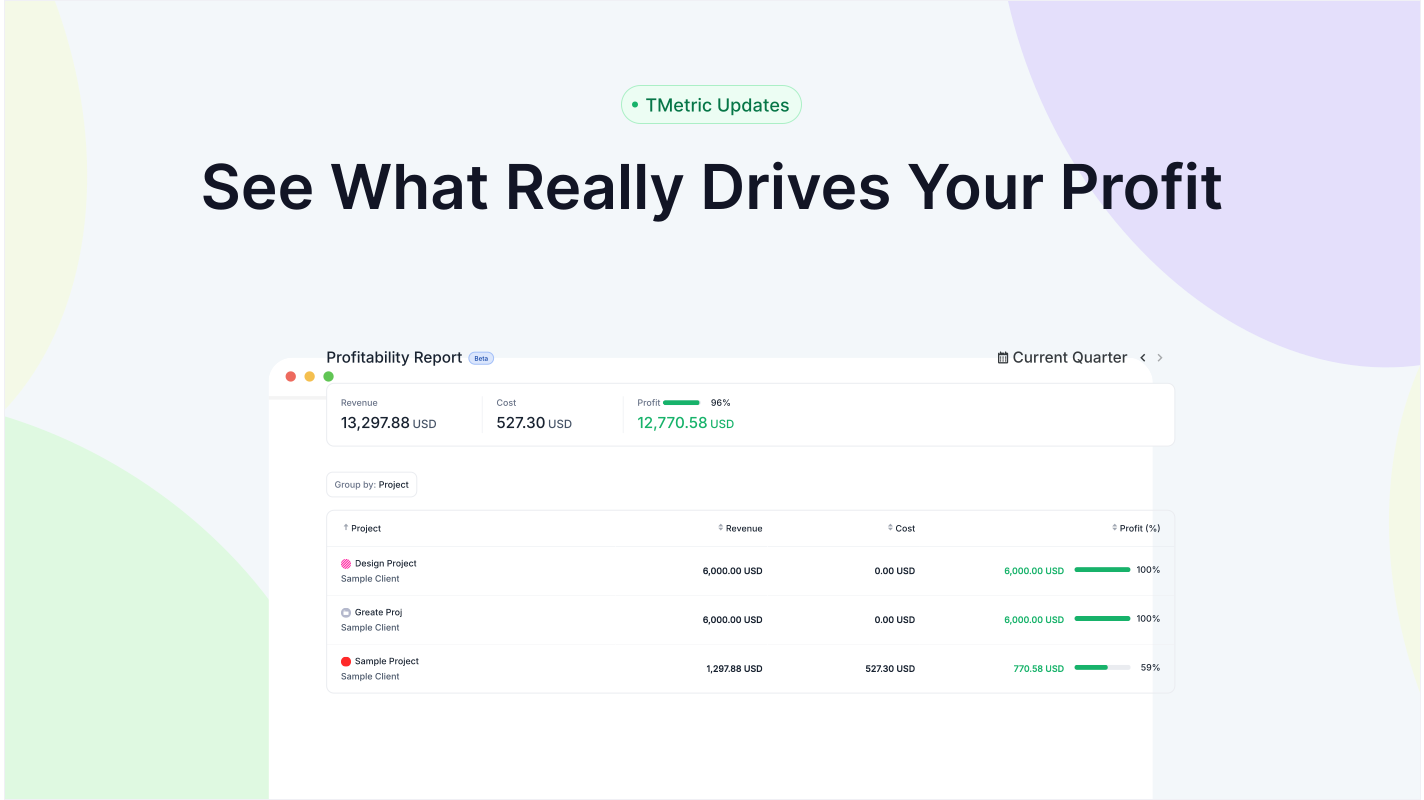
Meet the new TMetric release, featuring a newly developed feature - the Profitability Report, currently in Beta. It allows you to track your business earnings and spending in one place. In addition, the app sidebar has been updated, and you can now set start and end dates for your projects.
Profitability Report
The TMetric Profitability Report shows how profitable your projects or clients are, highlights where your business earns and loses money, and helps you manage budgets and plan for future growth.
The Profitability Report is now available in the reports list on the sidebar. It provides summarized project data on revenue, expenses, profit, and profitability percentage. At present, only projects using the workspace currency are included in the calculations.
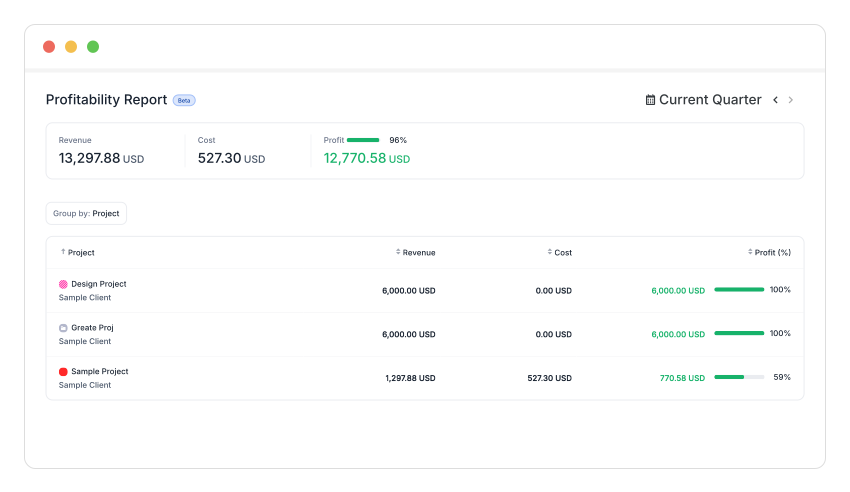
Use the new report to analyze team or project performance, identify unprofitable areas in time, and make informed decisions about adjusting rates, resources, or priorities.
Furthermore, we will continue to enhance the report by adding a color chart, filtering options, and much more.
Project Start and End Dates
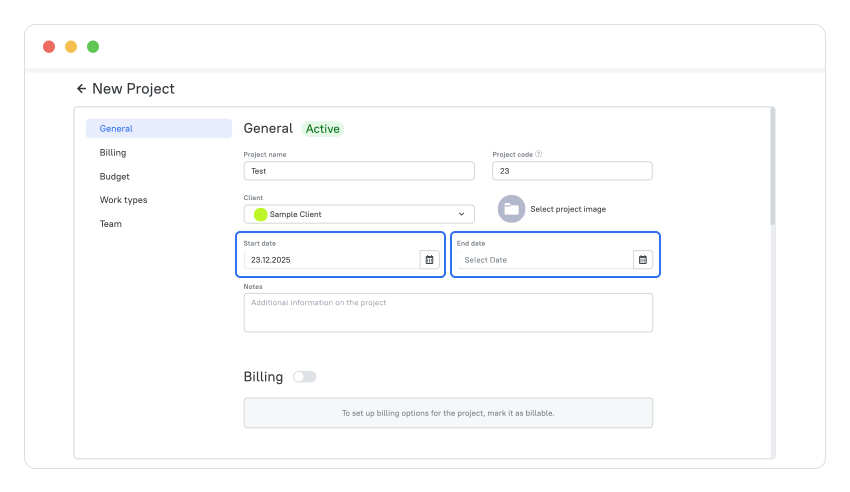
Now, when creating a project, you can set the start and end dates for it. This information is used when generating the Profitability Report.
Other Enhancements
Flexible Sidebar
You can now adjust the sidebar in the web app to optimize your workspace based on your needs and screen size. Click the Toggle Sidebar button to collapse the sidebar, and click it again to expand and pin it so it stays visible.
When the sidebar is hidden, hovering over the button or moving the cursor to the left edge of the screen makes it appear on top of the content. Moving the cursor away causes the sidebar to hide and the content overlay to disappear.
The sidebar items have also been slightly updated, with changes to their positions and names.
Help Button
You can now find the Help button in the top-right corner of the web app. We've moved the button to the header so you can access support faster and keep key controls in one place.
About TMetric
TMetric is a time tracking web app for both freelancers and big companies. Great control over time intervals and project budgets, flexible billable rates, crystal clear reporting, transparent team monitoring, and lots of integrations, all wrapped up into a light interface. Calculation on how much time is spent on certain projects, clients, and tasks in an instant.