
5 Best Time Tracking Apps for iPhone
A good iPhone time tracker should feel invisible until you need the data. These 5 apps make it easier to log hours, bill clients, review reports, and keep mobile work under control.

Most freelancers lose an estimated 15–40% of billable hours simply because their time tracking system breaks down during the workday. On iPhone, that usually comes down to clunky mobile UX, weak reports, poor integrations, or no offline support.
This guide covers the best time tracking apps for iPhone in 2026, including which tools are best for freelancers, teams, agencies, and businesses that want reliable tracking while on the go.
Our top picks:
Why trust this review
We examined how well these apps work in real-world, day-to-day work on the iPhone, especially when multitasking, tracking billable hours, or managing teams.
| What we looked at | Why it matters |
|---|---|
| Timer experience | Starting and stopping a timer should feel quick and natural on the iPhone. If it takes too many taps, people stop tracking consistently. |
| Manual and automatic tracking | Some people prefer manual entry, others want automatic tracking or idle detection. We looked at both. |
| iPhone app usability | A good mobile app should be easy to navigate during a busy workday, not something you have to figure out every time you open it. |
| Reporting | We checked whether reports actually help you understand where time is going, not just dump hours into a spreadsheet. |
| Invoicing support | Important for freelancers and agencies that want to turn tracked time into invoices without extra admin work. |
| Integrations | We looked at how well these apps connect with tools people already use like Jira, Asana, Slack, QuickBooks, and Notion. |
| Offline tracking | Some apps keep tracking even without signal and sync later. That matters more than people think. |
| Different work styles | Some tools fit freelancers better, others are clearly built for teams, agencies, or field workers. |
| How we reviewed them | TMetric is listed first because it covers the widest mix of use cases, but every tool was reviewed separately and includes real pros and cons, including TMetric itself. |
What to look for in the best time tracking app for iOS
Most iPhone time trackers can start and stop a timer. The bigger difference is how well they fit into your actual workday. These are the features that tend to matter most once you start using the app daily.
Easy time entry and clean iPhone UX
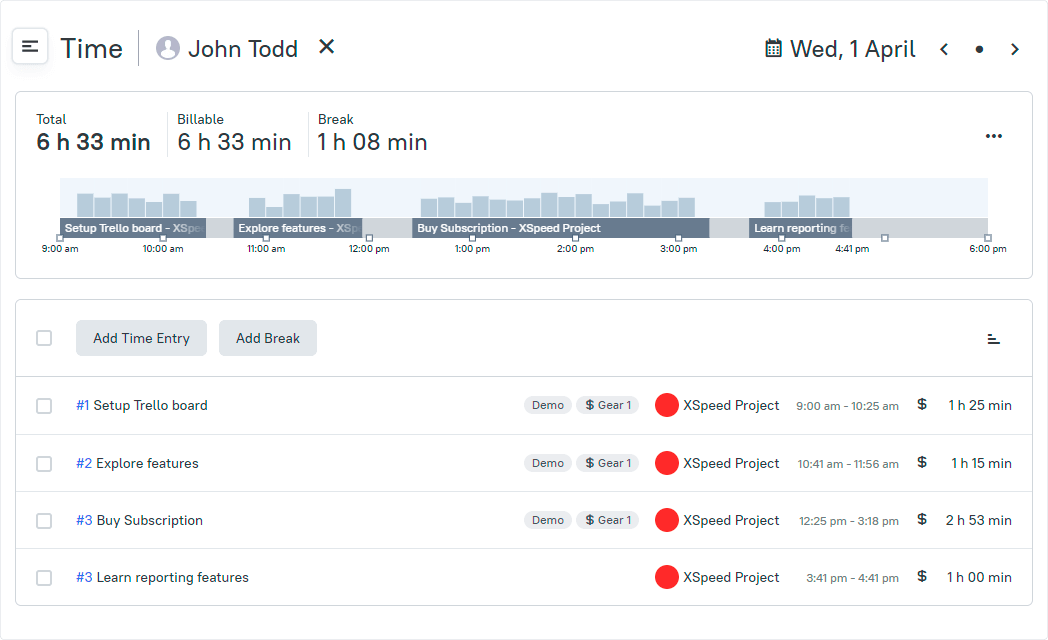
The best time tracking app for iPhone should make it quick to start a timer, switch tasks, add manual time, and review past entries. If the mobile experience feels clunky, tracking becomes inconsistent very quickly. Look for simple navigation, one-tap timers, and a clear timeline or calendar view.
Integrations with tools you already use
Time tracking software for freelancers is a better fit when it integrates with the tools you already use. The integrations with Jira, Asana, QuickBooks, Slack, Notion, and payroll services cut down on manual updates and make work flow more smoothly between systems.
Useful reports
The best reports show you billing gaps, see where your time is spent, and better predict what work is coming up. Look for reports that break down hours by client, project, or task; with filtering and export options to invoicing or payroll.
Automation & offline tracking
Automatic tracking and idle detection, as well as offline support, make a big difference on mobile. You can find some of the best time tracker apps for iPhone that can automatically flag inactive time. Also, offline mode allows you to keep timers running when you lose signal and sync everything later.

Adequate for your kind of work
As freelancers, we usually care the most about simplicity, billable rates and invoicing. Teams need approvals, dashboards and payroll help a lot. Service businesses might require project budgets, reporting and client-facing billing. The best iOS time tracking app is the one that suits how you work.
Quick comparison table: Best iOS time tracking apps
Use this table to shortlist your options before reading the full reviews of the best iOS app for time tracking.
| Tool | Best for | Free plan |
Invoicing | Automatic tracking |
Apple/iOS features |
Starting price |
|---|---|---|---|---|---|---|
| TMetric | Freelancers, agencies, and small teams | Yes | Built-in billing and invoicing | Partial — manual timers plus tracking support | iPhone and iPad app | $5.83 per user per month |
| Harvest | Consultants and agencies | Yes — 1 user, 2 projects | Client invoicing with expense billing | No automatic tracking | iPhone app with expense tracking | $9 per user per month |
| Toggl Track | Simple personal and team tracking | Yes — limited users | Limited invoicing support | Partial — idle detection and reminders | Apple Watch, Siri Shortcuts, widgets | $9 per user per month |
| Clockify | Startups and growing teams | Yes — unlimited users | Available on paid plans | Partial — auto timer and reminders | iPhone and iPad app with calendar view | $5.49 per user per month |
| Timely | Teams wanting less manual tracking | No | Basic invoicing support | Yes — Memory Tracker automation | iPhone app with timeline workflow | $9 per user per month |
5 Best time tracking apps for iPhone
Here is a breakdown of the seven tools that stand out on iPhone for usability, features, and overall workflow fit.
1. TMetric
Rating: 4.6/5 (G2)
Best for: Freelancers, agencies, and small teams that need tracking, billing, and reporting
Pricing: Free plan available; paid plans start at $5.83 per user/month
Available on: Web, iOS, Android, macOS, Windows, and Linux
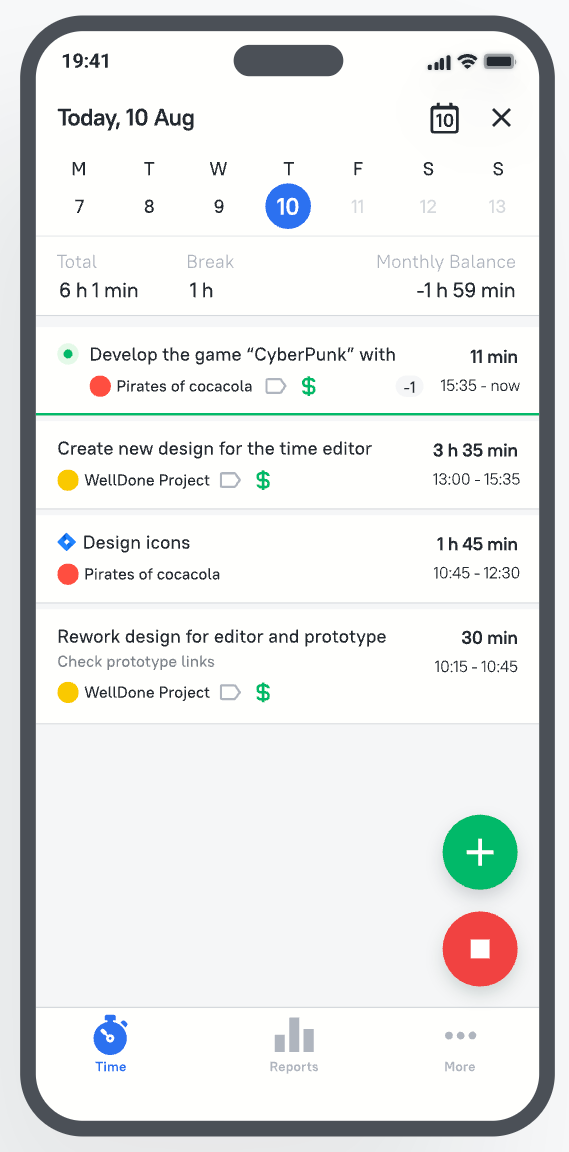
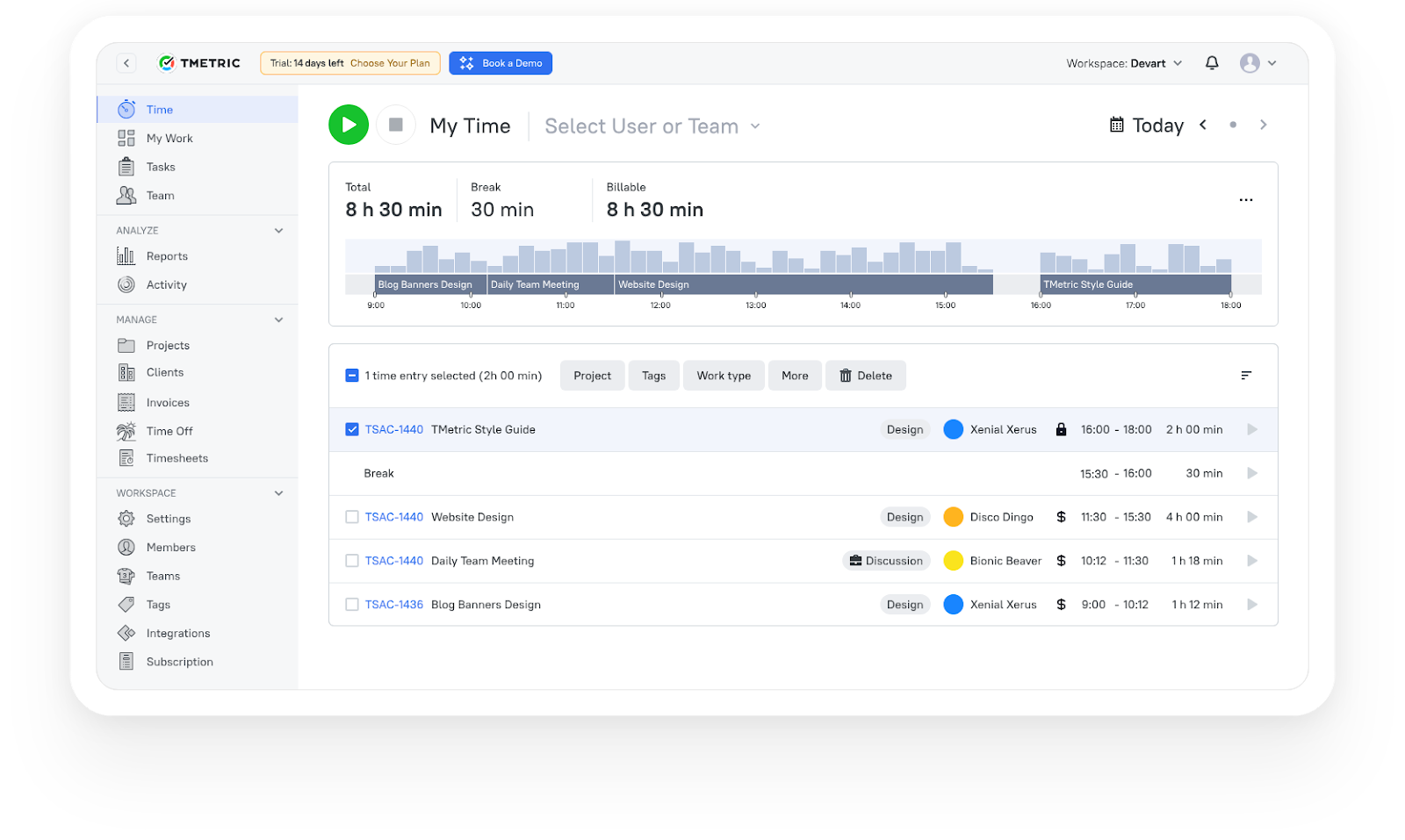
TMetric goes beyond basic start-stop timers. The iPhone app makes it easy to track time, add manual entries, manage tasks, and check reports while away from your desk. The wider platform adds invoicing, project reporting, team tracking, and payroll-related workflows, which makes it a practical fit for client work and service businesses.
Review
2. Harvest
Rating: 4.3/5 (G2)
Best for: Agencies, consultants, and freelancers managing billable client work
Pricing: Free plan available; paid plans start at $9 per user/month
Available on: Web, iOS, Android, macOS, and Windows
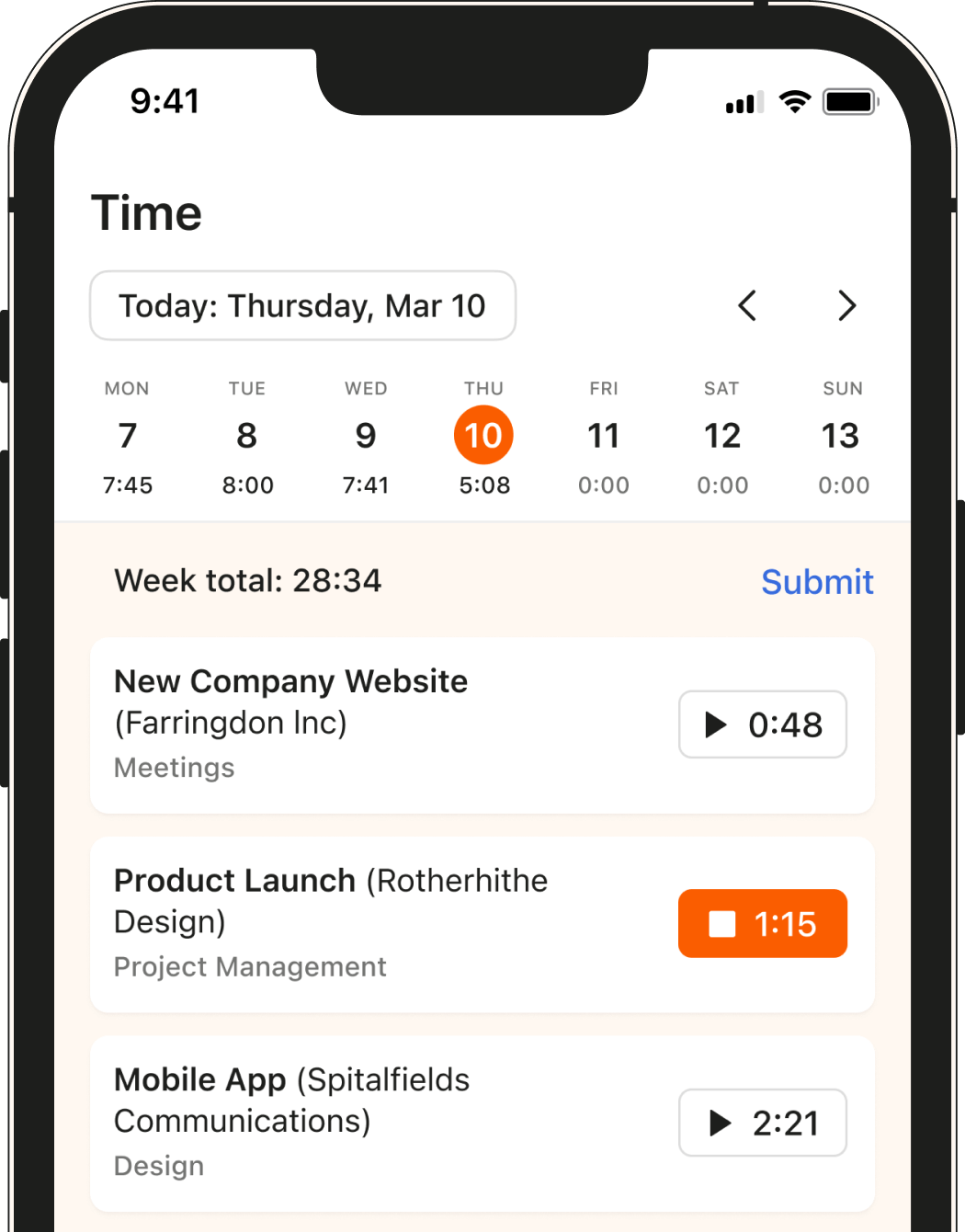
Harvest is built around tracking billable hours, managing project budgets, and turning tracked time into invoices. The iPhone app keeps things simple during a busy workday. You can start timers quickly, switch between projects, log expenses, and review tracked time without digging through menus.
Review
3. Toggl Track
Rating: 4.6/5 (G2, Capterra)
Best for: Freelancers and small teams that want simple, lightweight time tracking
Pricing: Free plan available; paid plans start at $9 per user/month
Available on: Web, iOS, Android, macOS, Windows, Linux, and Apple Watch
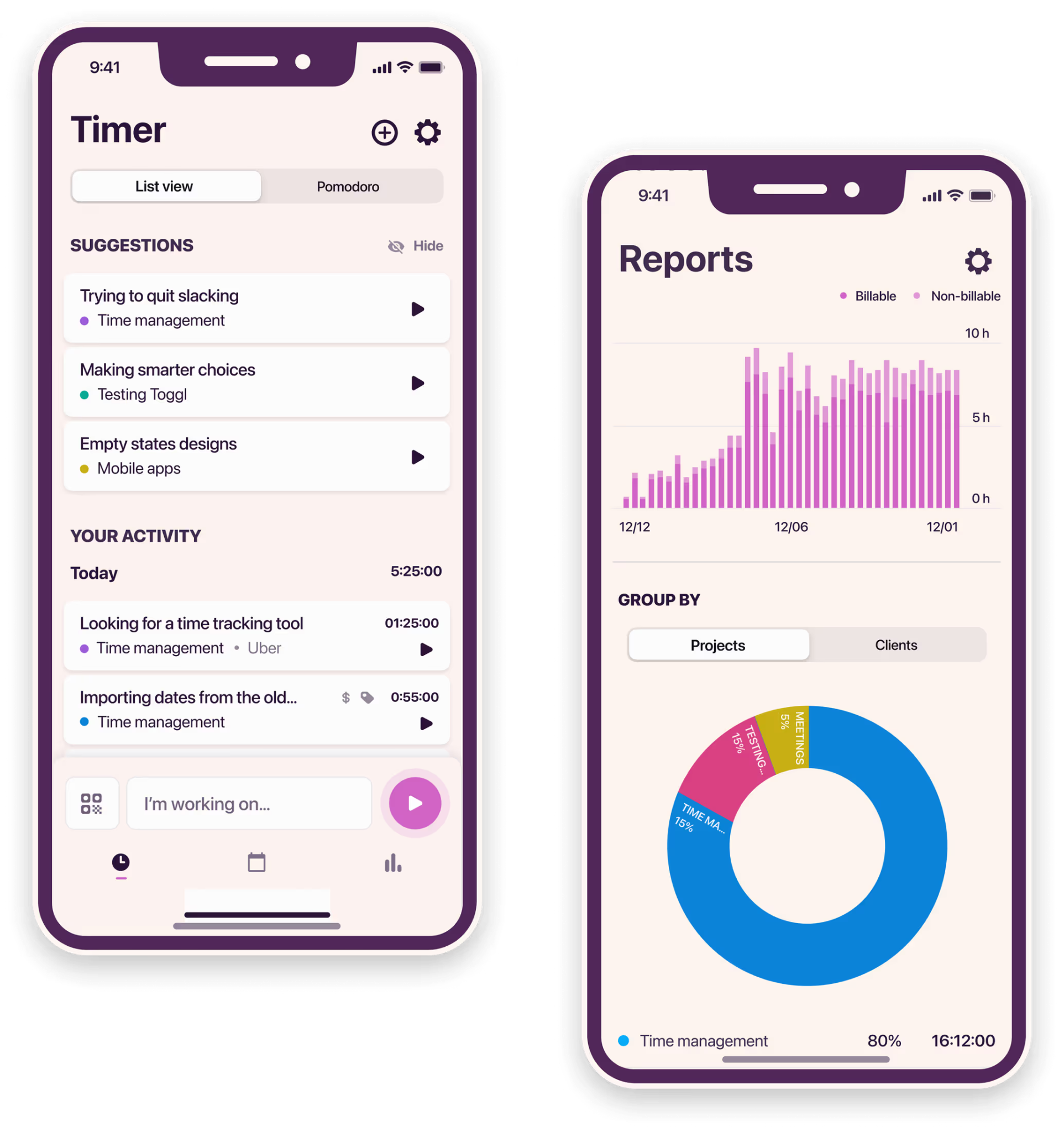
Toggl Track keeps things lightweight and easy to use. The iPhone app is built around quick timer tracking, simple navigation, and fast access to reports without adding too much complexity. You can start tracking in a few taps, organize entries by client or project, and review your work later from mobile, desktop, or the web app.
Review
4. Clockify
Rating: 4.5/5 (G2)
Best for: Startups, agencies, and growing teams that need free time tracking
Pricing: Free plan available; paid plans start at around $5.49 per user/month
Available on: Web, iOS, Android, macOS, Windows, Linux, and iPad
Clockify’s biggest draw is its free plan. You can track time across unlimited users and projects without immediately running into seat limits, which makes it popular with startups and teams trying to keep costs low early on.
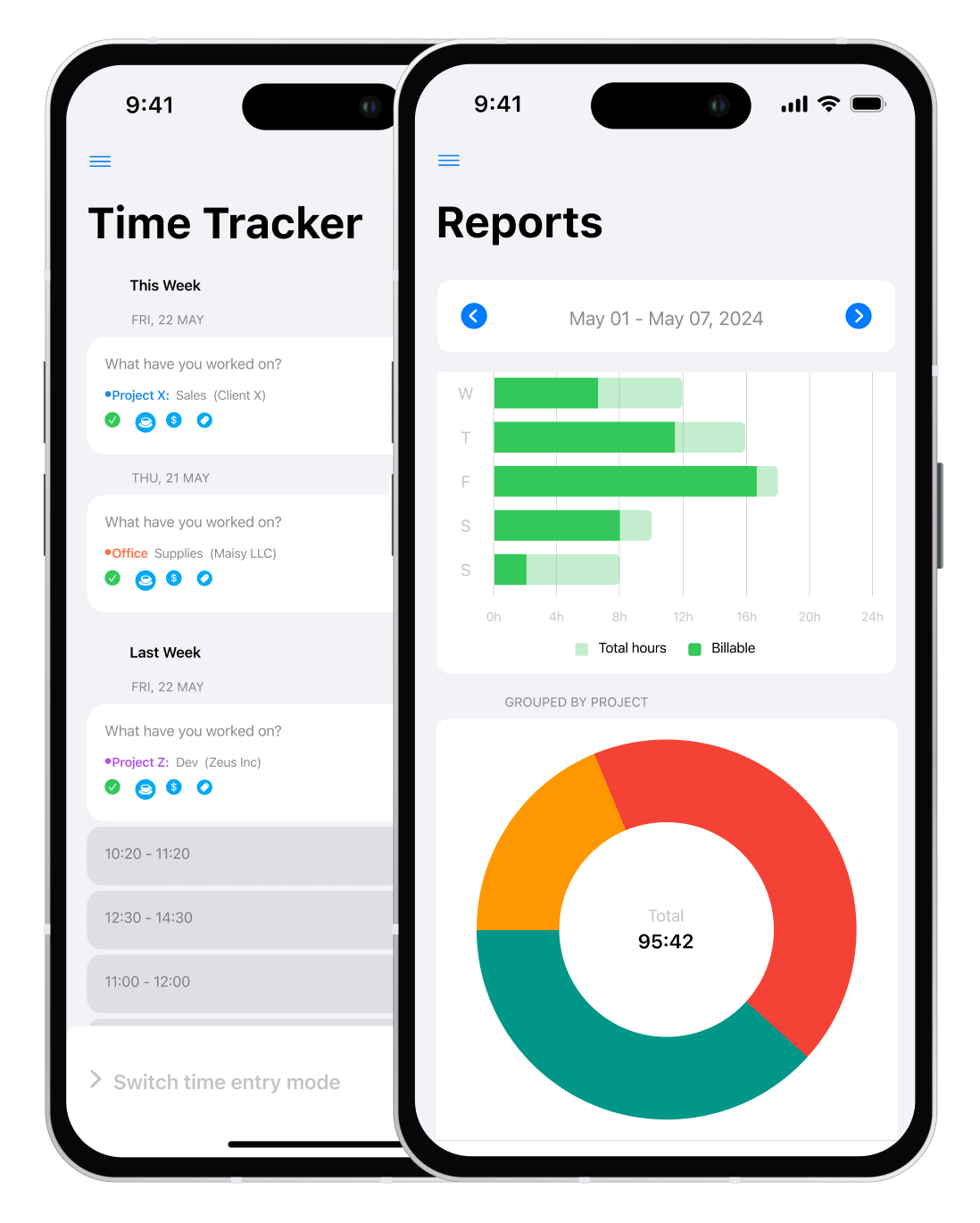
The iPhone app covers the core tracking workflow well. You can start timers, fill out timesheets manually, switch between calendar and report views, track expenses, and log billable work directly from mobile.
Review
5. Timely
Rating: 4.8/5 (G2)
Best for: Freelancers, consultants, and teams that want less manual timer tracking
Pricing: Paid plans start at around $9 per user/month
Available on: Web, iOS, Android, macOS, and Windows
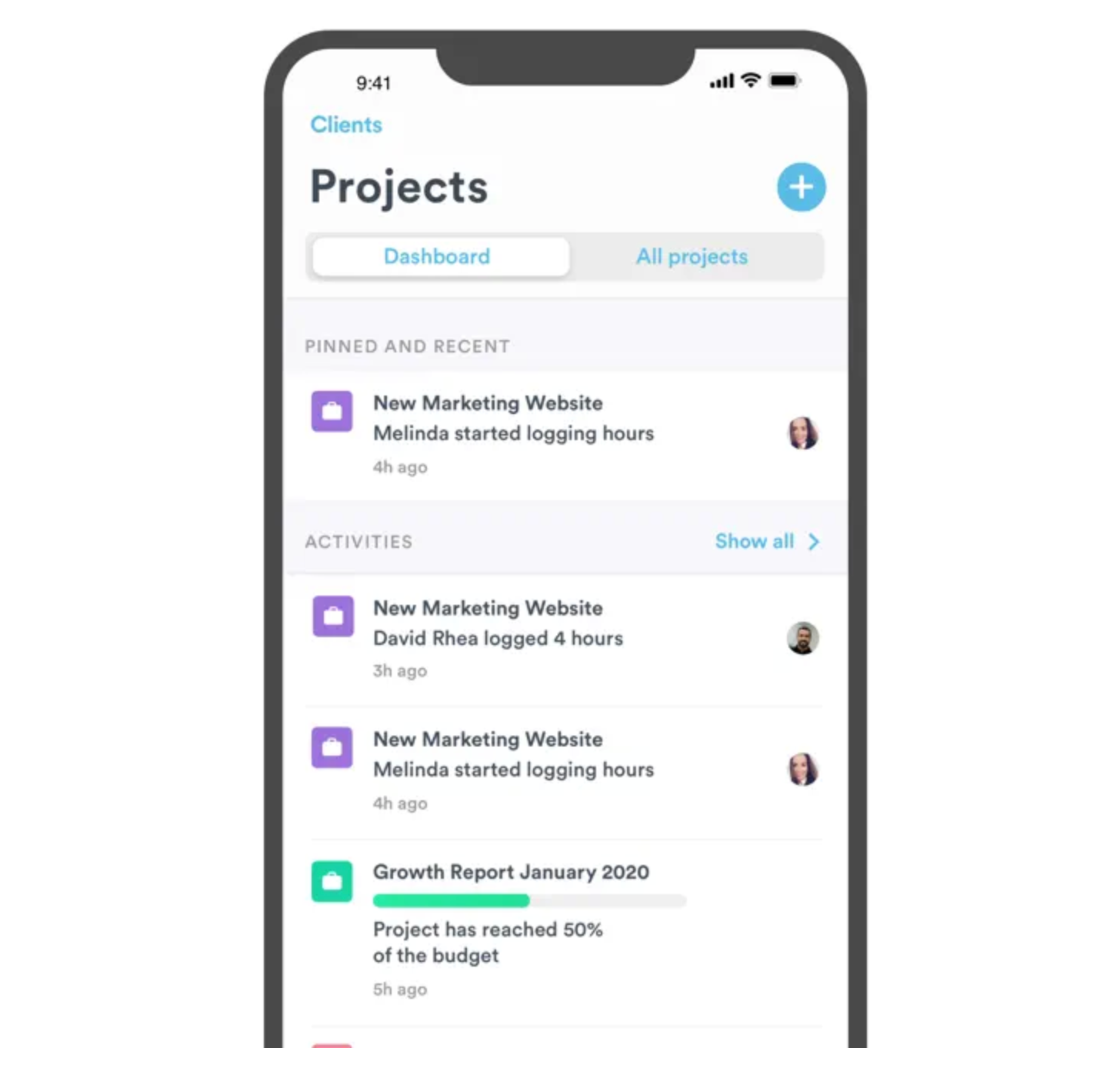
Timely takes a different approach from most time tracking apps. Instead of relying mainly on start-stop timers, it uses its Memory Tracker to automatically capture work activity and help build timesheets throughout the day. The desktop app handles most of the automatic tracking, while the iPhone app focuses more on reviewing, organizing, and approving tracked time.
Review
How to choose the right time tracking app for your needs
Start with how you work today. Some people just need a simple timer. Others need invoicing, approvals, payroll support, GPS tracking, or project budgeting. That alone narrows the list quickly.
Choose based on workflow
The best iOS time tracker app is usually the one you’ll actually use consistently. If the timer feels slow or the interface feels messy, tracking habits fall apart fast.
Test the iPhone app during a normal workday. Start timers, switch projects, edit entries, and check reports. You’ll quickly see whether it fits your workflow.
Compare free vs paid features
Free plans work well for basic tracking. Paid plans matter once you need invoicing, billable rates, approvals, payroll exports, or deeper reporting.
Clockify gives away a lot for free. Timely is paid from the start. Check feature limits before rolling a tool out to a team.
Test before rolling out
If you’re choosing the best time tracker app for iPhone, test the app with a few users first. A simpler tool people use every day is usually better than a feature-heavy platform nobody sticks with.
Takeaway
The best iPhone time tracking app depends mostly on how you work. TMetric works well for freelancers and teams that need tracking, invoicing, reports, and project visibility in one place. Toggl Track fits people who want something lighter and easier to manage. Clockify stands out for teams that want strong free features, while Hubstaff makes more sense for remote and field teams that need GPS and workforce tracking.
The main thing is consistency. The easier an app is to use during a busy day, the more likely you are to track hours properly and avoid losing billable time along the way.
3,000+ companies, teams, and individuals worldwide use TMetric to track time, manage work, and bill with confidence.
Frequently asked questions
What is the best time tracker for iphone?
Clockify stands out for its unlimited free plan for teams. TMetric is also a strong option for freelancers and small teams, while Jibble works well for attendance and shift tracking.
Which iPhone time tracking app is best for freelancers?
TMetric and Harvest work well for freelancers handling billable hours and invoicing. Toggl Track is better if you want something simpler and lighter.
What should I look for in an iPhone time tracking app?
Focus on ease of use, reliable timers, reporting, billing support, and integrations with the tools you already use. If tracking feels annoying on mobile, people usually stop using it consistently.
Are there iPhone time tracking apps with automatic tracking?
Yes. Timely uses its Memory Tracker to automatically capture work activity and help build timesheets. TMetric and Hubstaff also include automation features like idle detection and GPS-based tracking.
What is the best iPhone time tracking app for reports?
TMetric and Harvest are the best for client work, budgets, and billable hours reporting. Toggl Track makes clean, easy-to-read, and export reports.
Why choose TMetric over simple timer apps?
TMetric links tracked hours to invoicing, project budgets, reporting, and team workflows. It’s more comprehensive for freelancers or teams who need more than a basic timer.