
Top 6 Remote Employee Time Tracking Software
The average company saves around $11,000 per remote employee annually. But fragmented time tracking, payroll issues, and untracked work can quietly eat into those benefits faster than most teams realize. Here are the tools helping companies stay ahead of it.

The remote work boom created a new blind spot: millions of hours are being worked, but not always tracked, approved, or billed correctly. Fast forward to today, more than 32.6 million people work remotely, yet many teams still struggle with late timesheets, payroll errors, and fragmented tracking data that limits visibility into workloads and team performance.
This guide compares the 6 best remote employee time tracking software solutions to help businesses get a clearer picture of how work actually happens.
Why remote teams need employee time tracking software
Remote work creates less visibility into how time is spent, which makes tracking important for payroll, project planning, accountability, and client billing. Here’s where remote team management software helps most.
| Benefit | Why it matters |
|---|---|
| Better visibility into work | Managers can see how time is spent across projects and teams without relying on constant updates. |
| Accurate timesheets and payroll | Time tracking reduces missing hours, manual errors, and payroll disputes. |
| Accountability without micromanagement | Logged time gives teams structure without constant check-ins. |
| Better project planning | Past time data helps estimate workloads, deadlines, and team capacity more accurately. |
| Accurate client billing | Billable hours flow directly into invoices, reducing missed revenue and billing mistakes. |
How we evaluated the best time tracking software for remote teams
Each of our top time tracking tools for remote teams was evaluated based on what remote and hybrid teams actually need, not just basic time tracking features.
| Evaluation area | What was tested | Why it matters |
|---|---|---|
| Ease of adoption | Setup, interface, mobile apps | Remote teams need tools that are easy to roll out |
| Time tracking | Timers, manual entry, offline support | Teams work across devices and locations |
| Timesheets | Approvals, locking, workflows | Accurate timesheets matter for payroll |
| Reporting | Filters, exports, dashboards | Managers need useful operational data |
| Payroll & billing | Invoicing, billable rates, payroll support | Reduces manual finance work |
| Integrations | Integrations and API support | Remote teams rely on multiple tools |
| Pricing | Free plans, scaling costs | Costs grow quickly as teams expand |
Quick comparison table: Best time tracking systems for remote teams
Use this table to shortlist tools before reading the full reviews. If you know your primary need (billing, payroll, monitoring, or simplicity) the table will narrow your options fast.
| Tool | Best for | Auto tracking |
Timesheets | Payroll/ billing |
Monitoring | Free plan |
Starting price |
|---|---|---|---|---|---|---|---|
| TMetric | All-in-one remote teams | Yes | Advanced approvals | Payroll + invoicing | Optional screenshots + app tracking | Yes — up to 2 users | $5.83/user/month |
| Toggl Track |
Freelancers and small teams | Yes | Approvals on higher plans | Invoicing + billable rates | No intrusive monitoring | Yes | $9/user/month |
| Time Doctor |
Monitoring-heavy remote teams | Yes | Advanced | Payroll-ready reporting | Screenshots + app/web tracking | No | $6.67/user/month |
| Clockify | Budget-conscious teams | Yes | Yes | Billing + payroll-ready reports | Optional screenshots + GPS | Yes | $5.49/user/month |
| Timely | AI-powered automatic tracking | AI-powered | AI-generated | Billing + profitability tracking | No surveillance tools | No | $9/user/month |
| factoHR | Payroll-linked attendance tracking | Biometric + geofencing | Yes (task/project entries) | Native payroll + statutory filings | GPS and selfie verification only, no screen monitoring | No | Quote on contact |
6 Best time tracking tools for remote teams
Each of the best time tracking software for remote employees below is reviewed with the same structure: who it's best for, key features, pros, cons, pricing, and fit for remote teams. TMetric leads the list as the strongest all-in-one option for professional remote teams.
1. TMetric
Rating: 4.6/5 (G2)
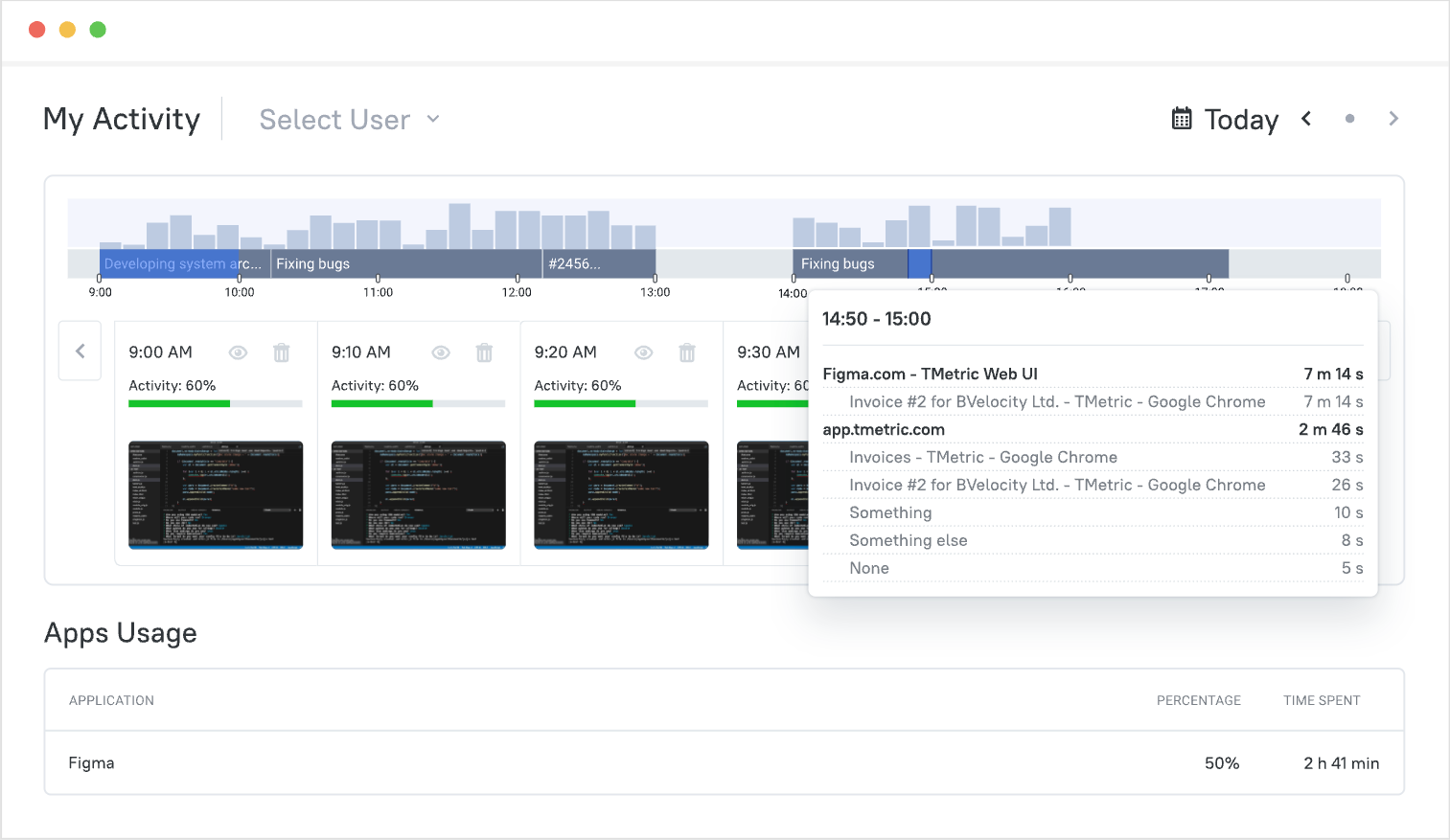
TMetric, a free time card calculator, is built for remote teams that need more than just a timer. It helps businesses track work hours, manage billable time, and handle payroll reporting from one place. It’s a strong fit for agencies, consultants, and distributed teams that want operational visibility without using several separate tools.
| Category | Detail |
|---|---|
| Best for | Remote teams managing time tracking, payroll, and billing together |
| Platforms | Web, Windows, macOS, Linux, iOS, Android |
| Browser extensions | Chrome, Firefox, Edge, Opera, Safari |
| Integrations | 50+ including Jira, Asana, QuickBooks, Slack, GitHub, Trello, ClickUp, Notion |
| Payroll support | Payroll calculations, cost rates, payroll-ready reports |
| Free trial | 14-day fully featured trial |
Paid plans start at $5.83 per user per month, all including a fully featured 14-day free trial.
User Reviews
2. Toggl Track
Rating: 4.6/5 (G2)
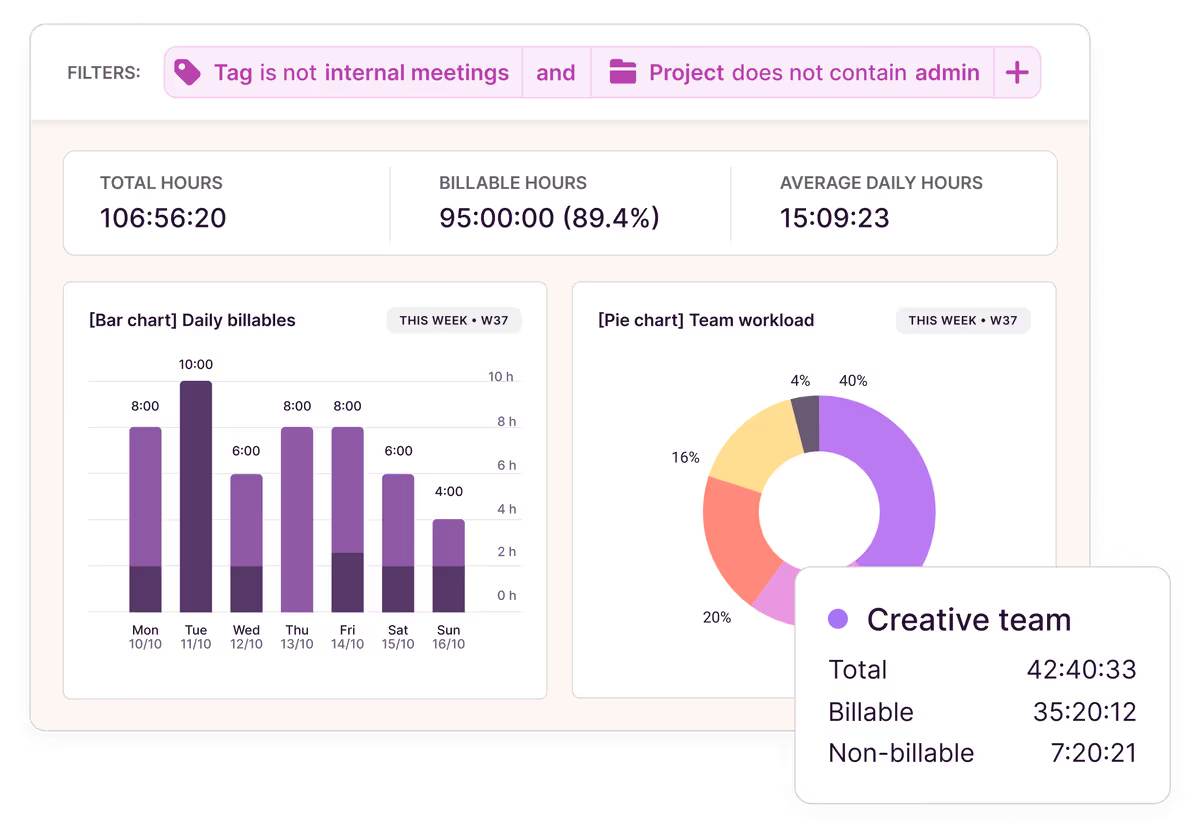
Toggl Track is a lightweight time tracking tool for freelancers, agencies, and remote teams that want simple tracking without employee surveillance. It’s known for its fast setup, clean interface, and easy project-based reporting.
| Category | Detail |
|---|---|
| Best for | Freelancers, agencies, and remote teams |
| Platforms | Web, Windows, macOS, Linux, iOS, Android |
| Browser extensions | Chrome, Firefox |
| Integrations | 100+ including Jira, Asana, Slack, Salesforce, Trello |
| Payroll support | Time tracking and reporting for payroll workflows |
| Free trial | Free plan available + 30-day Premium trial |
Paid plans start at $9 per user per month. Premium plans start at $18 per user per month with advanced reporting and approvals.
User reviews (G2)
3. Time Doctor
Rating: 4.4/5 (G2)
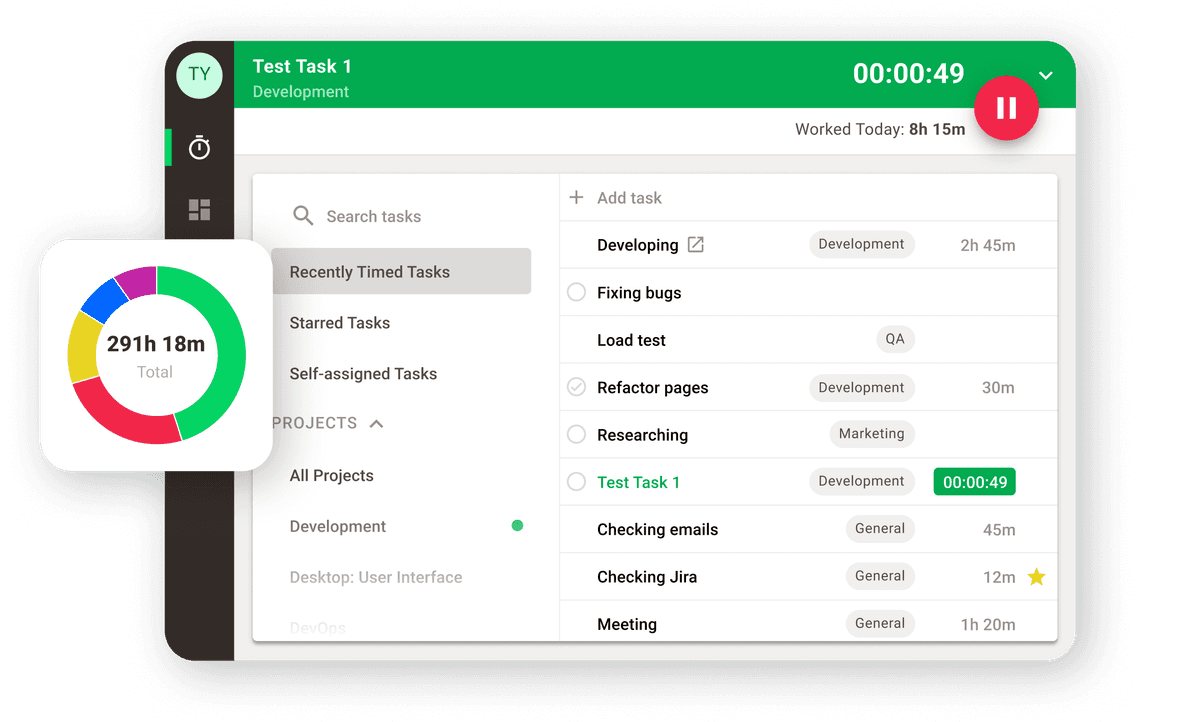
Time Doctor is a time tracking and workforce monitoring tool built for companies that need detailed visibility into remote employee activity. It’s commonly used by outsourced teams, BPOs, and contractor-heavy businesses that rely on productivity tracking and accountability features.
| Category | Detail |
|---|---|
| Best for | Outsourced teams, BPOs, and remote workforce management |
| Platforms | Web, Windows, macOS, Linux |
| Browser extensions | Chrome |
| Integrations | Project management, communication, and business workflow tools |
| Payroll support | Payroll-ready time reporting |
| Free trial | Trial available, no free plan |
User reviews (G2)
4. Clockify
Rating: 4.5/5 (G2)
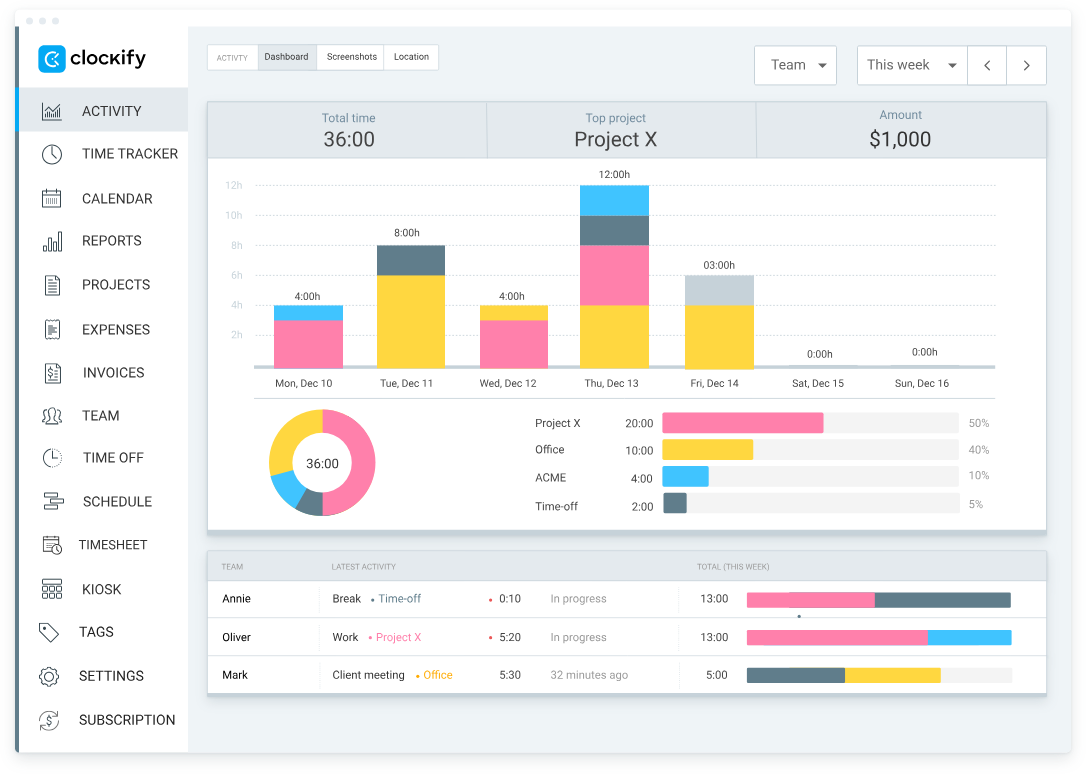
Clockify is a time tracking & attendance tool for startups, agencies and growing remote teams who need affordable tracking & reporting without the enterprise pricing. It combines basic time tracking with dashboards, time and attendance tracking, and optional screenshots and GPS features.
| Category | Detail |
|---|---|
| Best for | Growing teams, startups, and budget-conscious businesses |
| Platforms | Web, Windows, macOS, Linux, iOS, Android |
| Browser extensions | Chrome, Firefox, Edge |
| Integrations | 50+ integrations with project management and productivity tools |
| Payroll support | Payroll and billable-hours reporting workflows |
| Free trial | Free plan available + 7-day trial for paid features |
Paid plans start at $5.49 per user per month. Pro starts at $7.99 per user per month and Enterprise at $11.99 per user per month, both billed annually.
User reviews (G2)
5. Timely
Rating: 4.8/5 (G2)
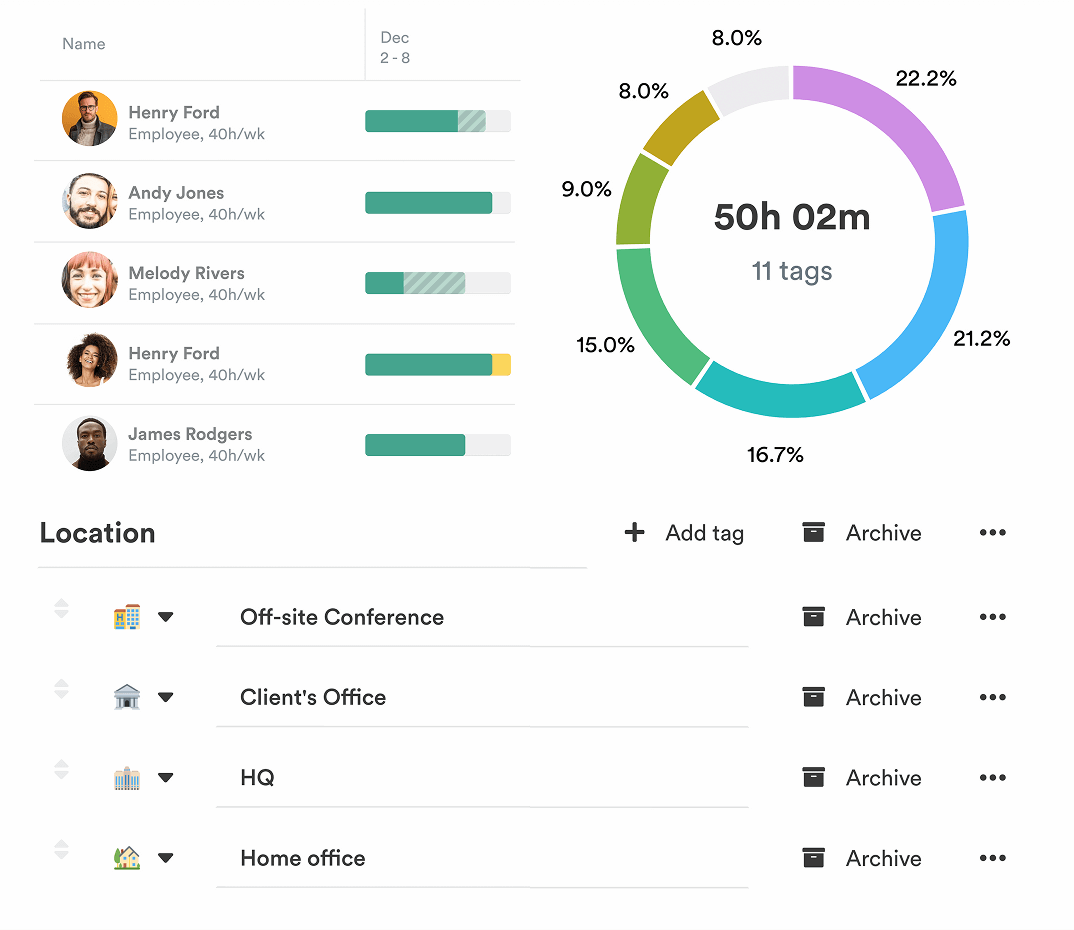
Timely is an AI-powered time tracking tool for consultants, agencies, and remote knowledge teams that want automatic timesheets without using manual timers. It captures activity across apps, meetings, and calendars in the background, then lets users review entries before sharing them.
| Category | Detail |
|---|---|
| Best for | Consultants, agencies, and knowledge workers |
| Platforms | Web, Windows, macOS, iOS, Android |
| Browser extensions | Chrome |
| Integrations | Jira, Asana, Salesforce, ClickUp, Google Calendar, and more |
| Payroll support | Timesheets and reporting for payroll workflows |
| Free trial | Trial available, no free plan |
User reviews (G2)
6. factoHR
Rating: 4.6/5 (G2)
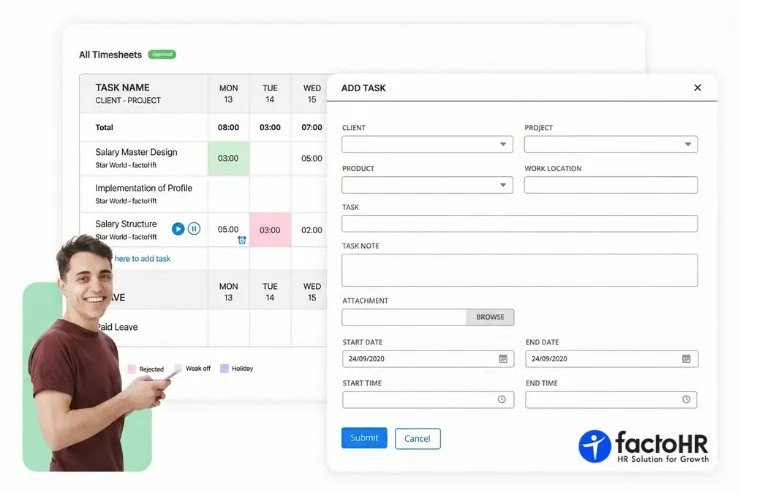
factoHR is a cloud-based time and attendance system built for hybrid workforces. It captures work hours through biometric devices, geofencing, and selfie-based mobile punches, then feeds that data into payroll calculations. It's used mainly by mid-size and large organizations in manufacturing, IT, and retail that manage shift-based or multi-branch teams.
| Category | Detail |
|---|---|
| Best for | Hybrid workforces that need time tracking across multiple locations and multiple shifts |
| Platforms | Web, iOS, Android |
| Browser extensions | None |
| Integrations | Biometric hardware (ESSL, ZKTeco, Matrix, and others), plus SAP, Microsoft Teams, Okta, and accounting tools such as QuickBooks and Xero |
| Payroll support | Native payroll engine with attendance-linked salary |
| Free trial | Trial and demo available, no self-serve free plan for time tracking |
User reviews (G2)
Key features to look for in remote employee time tracking software
Not every remote team needs the same features. Here's what actually matters depending on how your team works, and why.
Automatic and manual time tracking
Good tools support both. Automatic tracking reduces missed hours through idle detection, background capture, or AI suggestions, while manual entry gives employees flexibility. Teams relying on only one method usually end up with gaps.
Timesheets and approval workflows
Accurate timesheets need approval workflows. Look for tools that let employees submit timesheets, managers approve them, and completed entries get locked for payroll and compliance accuracy.
Reporting and productivity insights
Time data should be easy to filter and export. Strong reporting includes breakdowns by employee, project, client, date range, and billing status, with exports to PDF, CSV, or XLS.
Payroll, billing, and invoicing support
Teams paying employees or billing clients by the hour need payroll-ready reports and invoicing tied directly to tracked time. Manual transfers between tools create extra admin and increase errors.
Task and project management features
Tracking time with a free time card calculator against tasks gives better visibility into workloads, project scope, and profitability. Built-in task management also reduces the need to switch between apps.
Privacy-friendly accountability features
Monitoring features should be optional and transparent. Tools that avoid invasive surveillance and give employees visibility into their own data are more likely to gain long-term adoption and trust.
How to choose the best time tracking software for remote employees
Your team type, billing model, and reporting needs determine which tool fits. Use this framework to narrow your shortlist.
Small and remote teams
Keep it simple and get it accepted. For teams just starting out, fast onboarding and easy tracking are often more important than advanced workforce features.
Customer-focused teams
If your revenue is driven by billable hours, pick a tool that has solid invoicing, budgeting and reporting workflows. Clean visibility into billing is more important than advanced monitoring.
Manager performance tracking
You may need to track attendance, generate reports to measure productivity, or offer optional monitoring features to ensure accountability for outsourced staff, contractors, or shift-based work.
Privacy-minded teams
Some teams want precise time data without using surveillance. Tools with optional or sparse monitoring tend to be better adopted in the long term in those environments.
Payroll/compliance requirements
If your team is running payroll off tracked hours, your team should focus on approval workflows, overtime tracking, and exportable reports that can easily be verified and processed by finance teams.
The Verdict
The best time tracking apps for small remote teams depend on how your team works. Clockify and Toggl Track are good for simple tracking, Timely is good for automatic AI-based capture, and Time Doctor is built for teams that need more oversight.
TMetric is the solution for teams needing tracking, billing, payroll reporting, and timesheets in one place. It handles the entire workflow without forcing teams to use multiple tools, and the 14-day trial is fully featured with no credit card required.
FAQ
What to look for in time tracking software for remote teams?
The best time tracking tools for remote work should provide accurate tracking, timesheets, reporting, payroll or billing support, integrations, and mobile access. Approval workflows and offline tracking keep distributed teams on course.
Is employee time tracking software the same as employee monitoring software?
No. Time tracking software is for tracking work hours, projects, and billable time. Employee monitoring software goes a step further and tracks screenshots, app usage, websites visited or activity levels. Some tools provide the two combined and some don’t monitor at all.
How do small remote teams track time without adding more admin?
Many of the top time tracking apps for remote teams reduce admin work with automatic tracking, simple timers, and approval workflows. This helps teams avoid manual corrections and payroll problems.
Can TMetric be used by remote teams with billing and payroll needs?
Yes. TMetric helps remote teams track billable hours, invoices, payroll-ready reports, approvals, budgets and integrates with accounting tools.
Is TMetric a good option for small remote teams and growing businesses?
Yes. TMetric is one of the best time tracking apps for remote teams that need billing, payroll-ready reporting, approvals and project tracking in one platform. It works well for small teams and it scales as companies grow.